What should a free text editor for Windows do?
A useful free text editor opens files of any size quickly, keeps the file’s encoding and line endings intact, highlights code, and finds and replaces text across many files. It should also come from a publisher you can verify, because “free text editor” searches return download portals that repackage installers. The editors below are free and are published by their developers through official channels and the winget package manager.
Which free text editors are worth downloading?
These four cover almost every Windows user. The winget ids were checked against Microsoft’s winget-pkgs repository on the date shown at the top of the page.
| Editor | Licence | Best for | Official source | winget id |
|---|---|---|---|---|
| Notepad++ | GPL-3.0 | Everyday text, logs, single scripts | notepad-plus-plus.org and GitHub | Notepad++.Notepad++ |
| VS Code | MIT source; Microsoft licence for the build | Programming projects | code.visualstudio.com | Microsoft.VisualStudioCode |
| Windows Notepad | Included with Windows | Short notes | Built in | none needed |
| Sublime Text | Proprietary, US$99 personal licence | People who want a paid, polished editor | sublimetext.com | SublimeHQ.SublimeText.4 |
Sublime Text is in the list because the search results for this query include it, but it is not free software: it needs a US$99 personal licence, according to the Sublime HQ store.
Why is Notepad++ the default recommendation?
Notepad++ is the only editor in the list that is both free software and built only for Windows, so it starts fast and uses little memory. It highlights around 80 languages, opens files in tabs and searches whole folders with regular expressions. Every release publishes SHA-256 digests and GPG signatures, which makes it easy to prove the download is genuine. Its limits are real too: it runs only on Windows and it is not a full development environment.
How do I download a free text editor safely?
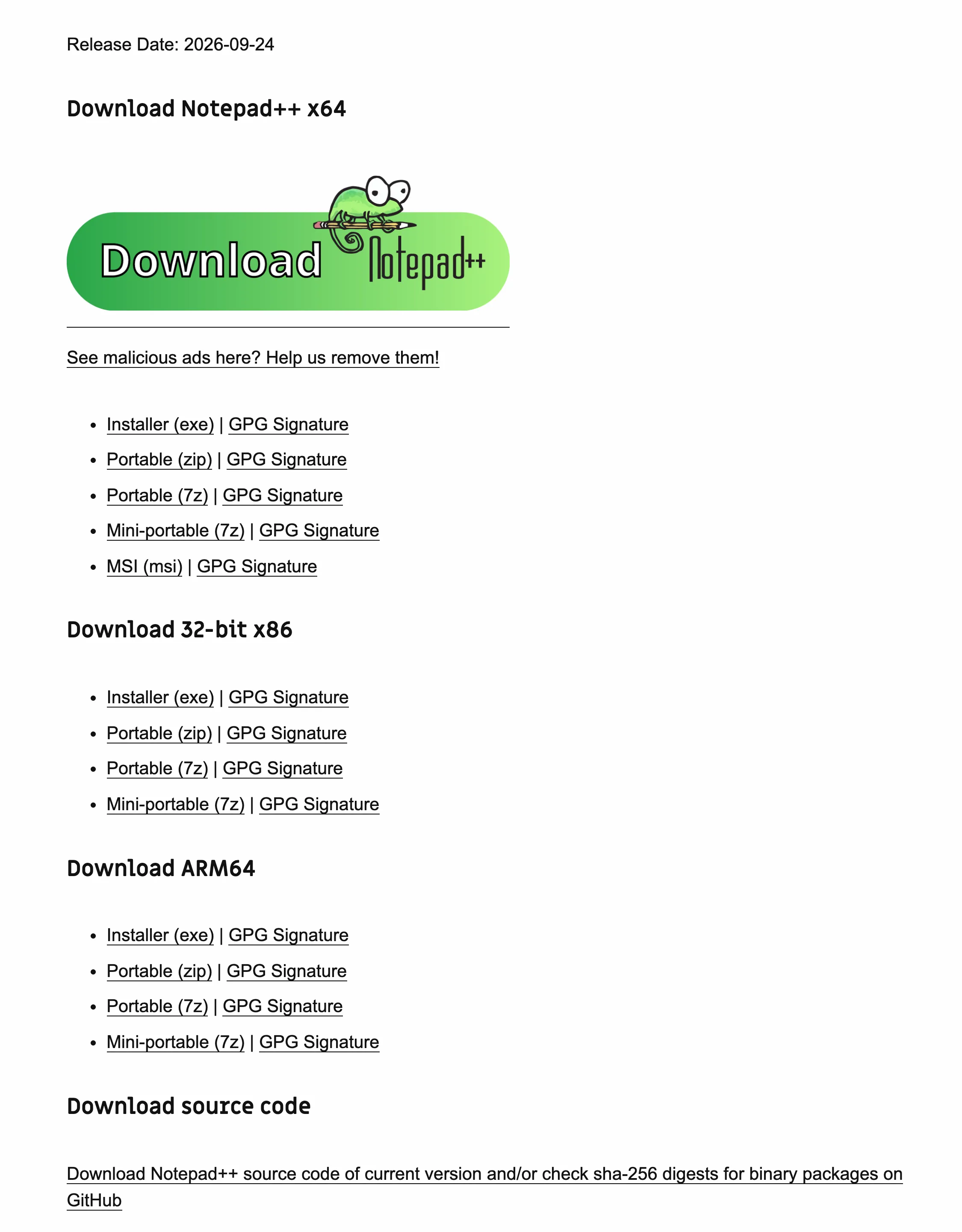
Skip search ads and download portals, which the Notepad++ download page itself warns about. Use winget, which installs from the publisher’s manifest and checks the file’s hash, or go to the publisher’s own site. For Notepad++ the one-line install is:
winget install -e --id Notepad++.Notepad++ --accept-source-agreements --accept-package-agreementsPress Win+R, paste it with Ctrl+V and press Enter. The file checks for every Notepad++ release are on how to download Notepad++ safely.
Which editor should I pick?
Pick Notepad++ for Windows text work, VS Code for projects and other operating systems, and Notepad when you only need a scratchpad. If you are unsure, install Notepad++ first: it takes a minute, costs nothing and removes cleanly. The Notepad++ vs VS Code comparison goes deeper on the most common choice.
Next: install Notepad++ on Windows 11 step by step.
Frequently asked questions
What is the best free text editor for Windows 11?
For general text and single-file editing, Notepad++: it is free under the GPL, fast and installs with winget. For programming projects, VS Code. Windows Notepad is fine for short notes and needs no download.
Is there a text editor that runs without installing?
Yes. Notepad++ publishes portable zip and 7z packages that run from any folder or USB stick without administrator rights. Unzip the package into a folder you own and run notepad++.exe.