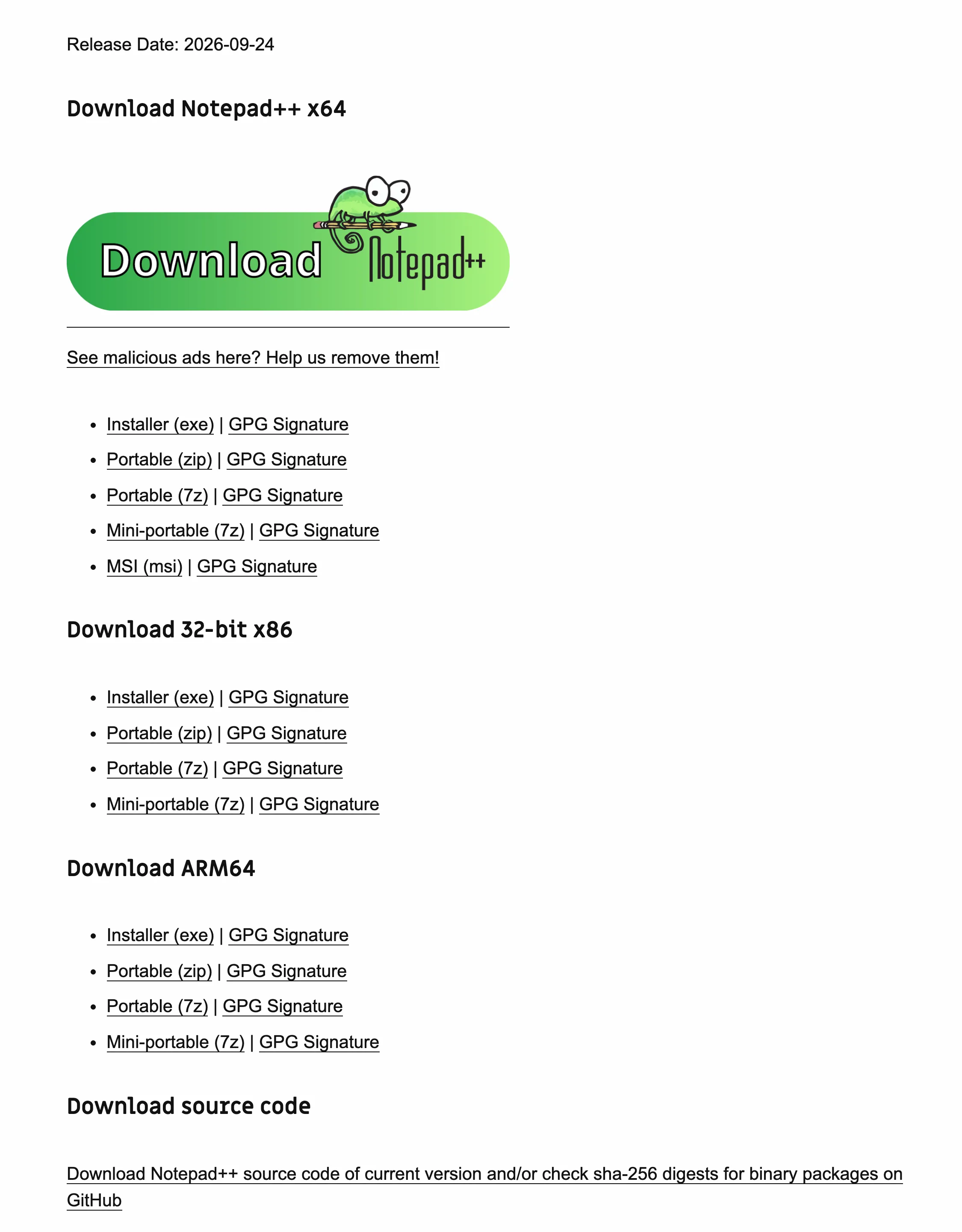
Where can I download Notepad++ officially?
Notepad++ is distributed through GitHub Releases, notepad-plus-plus.org and winget. The website and the winget manifest both point at the files on the GitHub release, so all three deliver the same installer.
| Channel | Host to expect | Notes |
|---|---|---|
| GitHub Releases | github.com/notepad-plus-plus/notepad-plus-plus | Every installer, portable package, signature and checksum file for each version. |
| notepad-plus-plus.org | notepad-plus-plus.org | The official site; its download buttons point at the same GitHub files. |
| winget | Microsoft winget-pkgs | Command: winget install -e --id Notepad++.Notepad++; the manifest points at the GitHub installer. |
How do I spot a fake Notepad++ download?
A fake download usually shows up as a different host, a download manager, or a file name that does not match the release. Any one of these is enough reason to delete the file.
- A download portal. Sites that re-host software often wrap the installer in their own downloader. The project does not publish through them.
- A search ad. Type
notepad-plus-plus.orgyourself or use winget; the official download page itself asks readers to report malicious ads. - The wrong file name. The real 64-bit installer is named
npp.8.9.8.1.Installer.x64.exe. Extra words, a "setup" name or a different version mean a re-host. - A payment or survey wall. Notepad++ is free under the GPL-3.0 licence; nobody official asks for money at download time.
How do I check a Notepad++ file I already downloaded?
Compare its SHA-256 with the digest on the GitHub release. If they match, the file is byte-for-byte the one the project published; if not, delete it.
- Hash the file. In PowerShell, run
Get-FileHash .\npp.8.9.8.1.Installer.x64.exe -Algorithm SHA256in your Downloads folder. - Compare with the release. The v8.9.8.1 release lists the digest of every package; the install panel on this site shows the 64-bit installer's digest too.
- Optionally, check the GPG signature. Download the matching
.sigfile and verify it with GPG against the Notepad++ release key0x8D84F46E; the project README publishes the full fingerprint. - Still unsure? Delete the file and run the winget command from the home page. winget checks the hash itself before it installs anything.
Why do some Notepad++ versions show certificate warnings?
Notepad++ had problems with the Windows code-signing certificate for a period. The official user manual says that versions 8.8.2 to 8.8.9 used a self-signed certificate authority and recommends that anyone on those versions upgrade immediately. If an old installer triggers a SmartScreen or certificate warning, do not click through it: download the current release from the channels above instead.
The GPG signature and the SHA-256 digest do not depend on the Windows certificate, so they remain the reliable proof for any version.
Frequently asked questions
Is Notepad++ safe to download?
Yes, from GitHub, notepad-plus-plus.org or winget. The project publishes a SHA-256 digest and a GPG signature for every file, so you can prove the installer is the one the project built. The risk is copies from download portals and search ads, which the official download page itself warns about.
Why does the Notepad++ download page warn about malicious ads?
The site shows advertising, and its download page includes a notice asking readers to report malicious ads. An ad next to the real download button can lead somewhere else. Use the green download button or the GitHub release, or skip the page entirely with winget.
Does Notepad++ cost money anywhere?
No. Notepad++ is free software under the GPL-3.0 licence. A site that asks for payment, a survey or a sign-up before the download is not the official one; delete anything it gave you.
Is the built-in updater safe to use?
Use a current version. The project fixed a potential hijacking issue in its WinGUp auto-updater in version 8.8.8 and told users to update manually with the official installer at that time; later releases added further updater hardening. On an old copy, download the new installer yourself rather than trusting the old updater